中文版
中文版
 Phone:
  Email:
  WhatsApp:
 Description
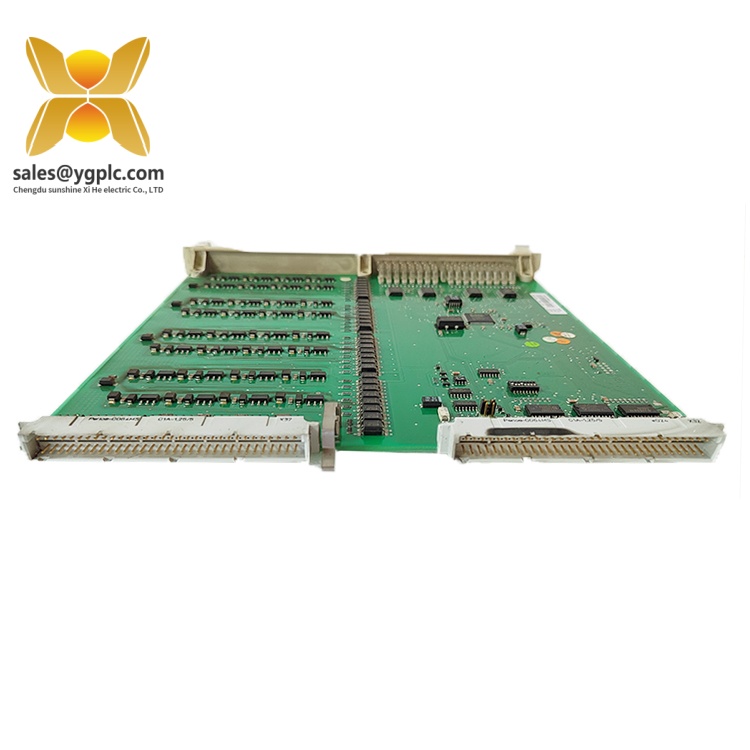
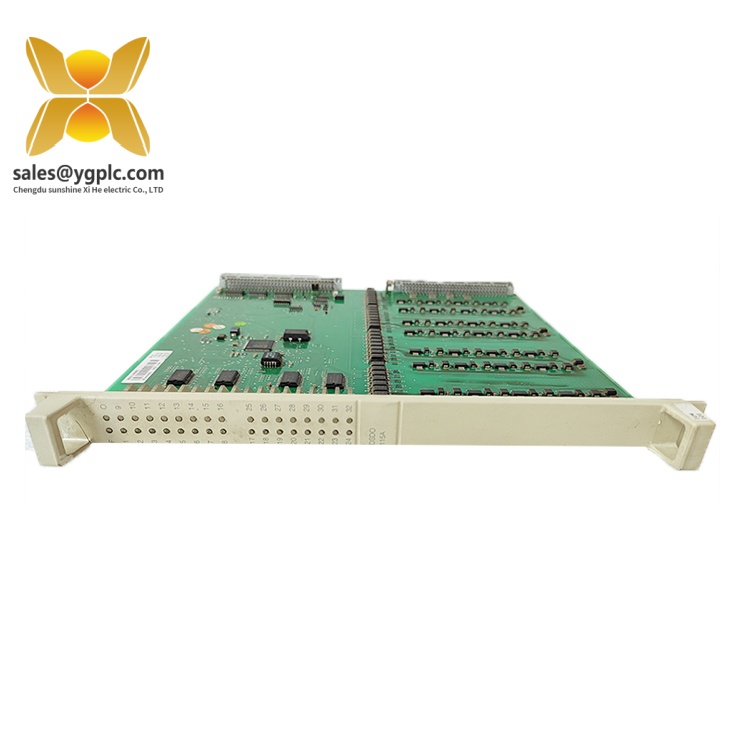
The ABB DSDP150, with the type designation DSDP 150 and product ID 57160001-GF, is a pulse encoder input unit for the ABB S100 I/O system. It collects pulse signals from field devices for pulse counting and frequency measurement, allowing pulse-based process information to be used by the control application. The module belongs to the ABB Advant OCS control system family and is distinct from conventional digital input boards intended primarily for monitoring discrete on/off states.
The DSDP150 provides 12 pulse inputs and supports pulse generators operating at frequencies up to 10 kHz. Its documented input signal levels are 5 V, 12 V, or 24 V nominal, with optocoupler isolation between two input groups. The S100 I/O installation uses the DSTD 150A connection unit and DSTK 160 cable. Jumper settings and controller software determine the module configuration, so the supported measurement mode must be checked against the specific control system software before integration.
Key Technical Specifications
| Parameter | Specification |
|---|---|
| Manufacturer | ABB |
| Model | DSDP150 / DSDP 150 |
| Product ID | 57160001-GF |
| Product type | Pulse encoder input unit / pulse counter board |
| Product family | S100 I/O |
| Control system context | ABB Advant OCS |
| Number of inputs | 12 pulse inputs |
| Nominal pulse input levels | 5 V, 12 V, or 24 V |
| Maximum pulse frequency | 10 kHz |
| Input resistance | 5.6 kΩ |
| Input isolation | Optocoupler isolation between two input groups |
| Typical +5 V current consumption | 920 mA |
| +24 V current consumption | 0 A |
| Connection unit | DSTD 150A |
| Connection cable | DSTK 160 |
| Connection-unit terminal wire size | 0.5–2.5 mm², up to 14 AWG |
| Net dimensions (D × W × H) | 360 × 250 × 15 mm |
| Net weight | 0.425 kg |
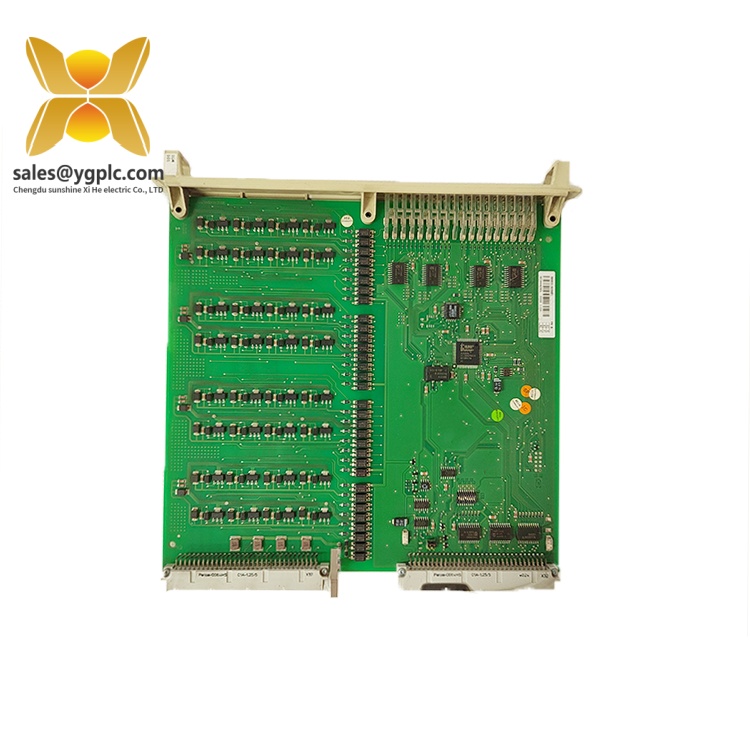
ABB Advant OCS Product Guide
Detailed Product Overview
What is the ABB DSDP150?
The ABB DSDP150 is a pulse-processing board within the S100 I/O architecture. It is designed to acquire pulse signals from field instrumentation and make the resulting count or frequency information available to the control system. Its role differs from that of a standard digital input module because the information carried by a pulse train depends on the accumulation and timing of successive signal transitions, not simply on whether an input is active or inactive.
Pulse-based signals can represent quantities such as rotational movement, equipment speed, or accumulated measurements from pulse-output instruments. The DSDP150 provides the input interface for these signals, while the controller application handles the resulting data according to the configured measurement function.
Input characteristics and signal processing
The board supports pulse generators with frequencies up to 10 kHz. This limit is an important selection parameter: the expected input frequency must remain within the module’s documented operating capability.
The documented nominal input levels are 5 V, 12 V, and 24 V. Signal voltage, input wiring, pulse characteristics, and the selected configuration should therefore be considered together when matching the board to a field transmitter or encoder. A signal that falls outside the supported electrical conditions may not be interpreted correctly.
The DSDP150 has 12 pulse inputs divided into two groups with optocoupler isolation. This provides electrical separation between the input groups, helping distinguish the module’s signal-interface arrangement from an assumption that every input is individually isolated.
Connection and configuration
The S100 I/O installation documentation identifies the DSTD 150A connection unit and DSTK 160 cable for connecting the DSDP150 to field instrumentation. These components form part of the signal path between the field wiring and the input board, so they should be considered when checking an existing installation or preparing a replacement.
Configuration also matters. Board jumper settings define parameters such as addressing, input voltage level, and function selection. Controller software determines how the collected pulse information is interpreted. As a result, a replacement board should not be selected solely by matching its front-panel model number; its hardware configuration and the application’s I/O settings must also agree with the installed system.
ABB documentation for different S100 I/O software contexts does not describe identical function availability. In particular, the S100 I/O guide for the MOD 300 software context restricts the DSDP150 configuration to pulse-counting mode, while the product description also identifies frequency measurement as a supported function. The applicable controller software documentation should therefore be checked before using the board for frequency measurement.
ABB Advant OCS Product Guide
Replacement and maintenance considerations
For maintenance or replacement work, record the existing board’s product identification, jumper positions, connection arrangement, and controller configuration before removing it. The configured board address and function settings are particularly important because incorrect settings can prevent the controller from reading the intended input data.
When a DSDP150 appears to be malfunctioning, it is useful to distinguish between a hardware fault, an incorrect field signal, a connection problem, and a controller configuration issue. The input status indicators and controller diagnostics provide starting points for this distinction.
Applications & System Role
The ABB DSDP150 occupies the field-input layer of the S100 I/O architecture. It receives pulse signals and makes the corresponding count or frequency information available to the controller application.
Its principal engineering roles include:
-
Pulse acquisition: Collecting pulse trains from compatible field instruments and pulse generators.
-
Pulse counting: Accumulating pulses for controller applications that use counts as process data.
-
Frequency measurement: Supporting frequency-based measurements where the installed controller software and configuration permit this function.
-
Equipment monitoring: Providing pulse input information that can be used in applications involving rotational movement, speed-related measurements, or pulse-output instruments, subject to signal compatibility and application configuration.
-
Control-system maintenance: Providing a dedicated pulse-input interface when maintaining an existing ABB S100 I/O installation.
The DSDP150 should be evaluated as part of the complete signal path rather than as an isolated board. Field-signal voltage, frequency, connection hardware, board address, jumper settings, and controller software all affect whether it is suitable for a particular installation.
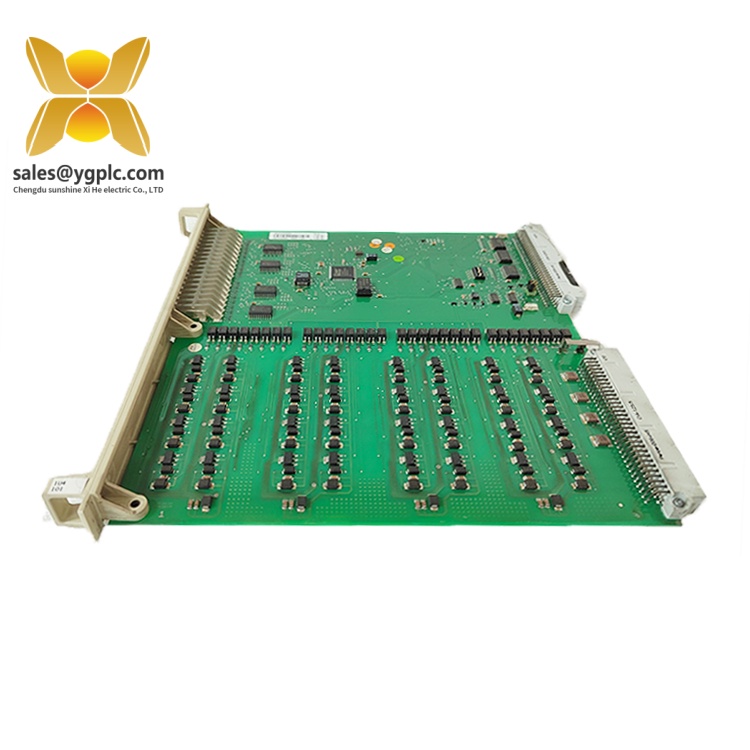
ABB Advant OCS Product Guide
Verification & Troubleshooting Notes
1. Confirm the module identity
Check the DSDP150 designation and product ID 57160001-GF against the installed board and system documentation. Similar-looking S100 I/O modules may perform different functions and should not be substituted solely on the basis of physical appearance.
2. Check input signal conditions
If the controller does not register pulse activity, check the field signal and wiring against the documented input levels and maximum pulse frequency. Also inspect the connection between the DSTD 150A, DSTK 160 cable, and input board.
3. Observe the front-panel indicators
The DSDP150 has 12 yellow input LEDs, one for each channel, and a red fault LED.
| Indicator | Documented indication | Diagnostic use |
|---|---|---|
| Yellow channel LED | Corresponding input is active | Helps establish whether an input signal is being detected |
| Red F LED | Board malfunction | Indicates that board status requires further investigation |
An unlit channel LED does not, by itself, prove that the board is defective. The field signal, wiring, and configuration should also be examined.
4. Review jumper and controller settings
Check the board address and function-selection jumpers against the controller database and the applicable S100 I/O documentation. Incorrect settings can cause the control application to read the wrong configuration or interpret the input data incorrectly.
5. Confirm measurement-mode support
Before diagnosing a frequency-reading problem as a hardware failure, establish whether frequency measurement is supported by the installed controller software configuration. The available operating modes can differ across software contexts.
6. Follow safe maintenance procedures
Isolate relevant equipment and follow the site’s approved electrical work procedures before handling the board or associated field wiring. Do not change jumper positions or replace hardware while the system is operating unless the applicable system instructions explicitly permit that procedure.
FAQ
1. What is the ABB DSDP150?
The ABB DSDP150 is a 12-input pulse encoder input unit in the S100 I/O product family. It acquires pulse signals for pulse counting and frequency measurement, subject to the installed controller software configuration.
2. Which control system does the DSDP150 belong to?
The DSDP150 is an S100 I/O module used within ABB Advant OCS control-system architectures. Its suitability for a particular installation depends on the controller configuration and applicable system documentation.
3. How many inputs does the ABB DSDP150 provide?
The DSDP150 provides 12 pulse inputs. They are arranged in two groups with optocoupler isolation.
4. What is the maximum input frequency of the DSDP150?
The documented maximum pulse frequency is 10 kHz. The connected pulse generator and signal wiring must be suitable for the required operating frequency.
5. Which connection unit and cable are used with the DSDP150?
The documented S100 I/O arrangement uses the DSTD 150A connection unit and DSTK 160 cable to connect the pulse-input board to field instrumentation.
6. Can the DSDP150 perform frequency measurement?
The product is described as supporting pulse counting and frequency measurement. However, measurement-mode availability depends on the controller software context. The S100 I/O guide for the MOD 300 software configuration, for example, restricts the board to pulse-counting mode.
7. What should be checked when replacing a DSDP150?
Check the product identification, field wiring, connection unit and cable, board address, jumper positions, input signal characteristics, and controller I/O configuration. These checks help distinguish a board fault from a signal or configuration problem.