中文版
中文版
 Phone:
  Email:
  WhatsApp:
 Description
Core Product Summary (Brand / Model / Key Attributes)
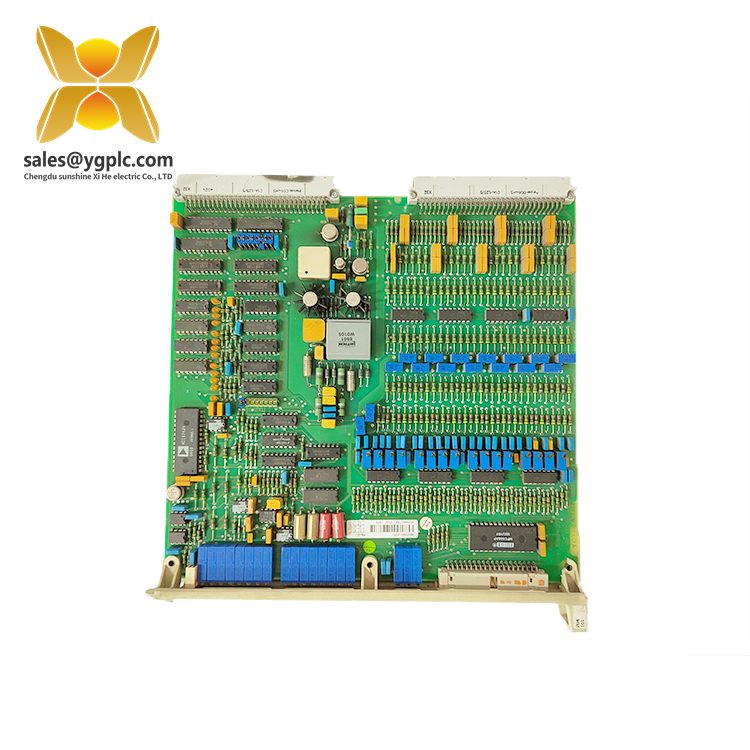
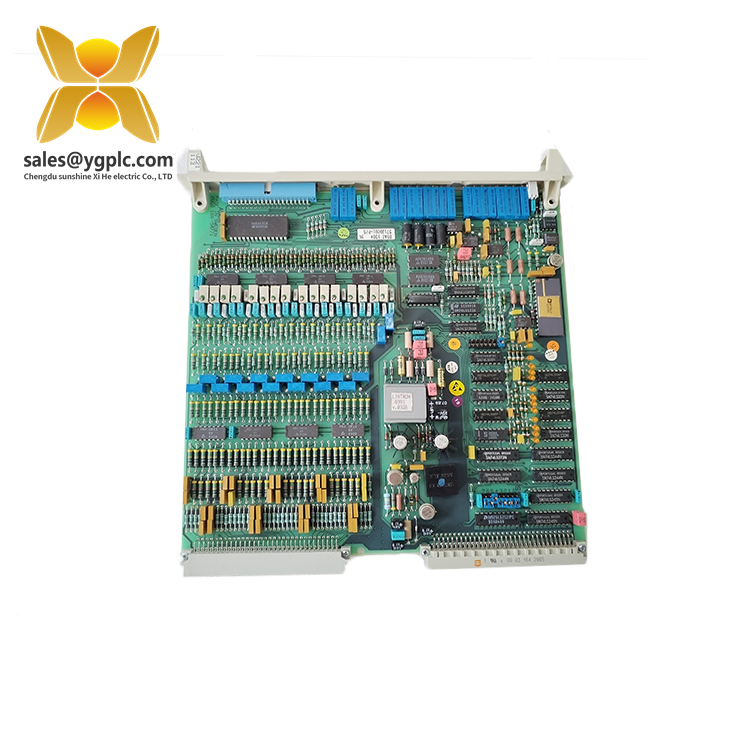
The ABB DSAO120, order number 57120001-EY, is an analog output board associated with the ABB Advant Master S100 I/O system. It converts digital control commands into analog signals for process interfaces, allowing a compatible control system to send continuously variable voltage or current commands to field equipment.
The DSAO 120 is an 8-channel analog output board with a resolution of 12 bits including sign. The documented output ranges for this model are ±10 V and ±20 mA. These outputs support control applications that require an analog reference signal rather than a simple on/off command. When identifying this board for procurement or maintenance, match both the DSAO120 designation and the complete 57120001-EY order number against the installed hardware and system documentation.
Key Technical Specifications
| Parameter | Specification |
|---|---|
| Manufacturer | ABB |
| Model | DSAO 120 |
| Order number | 57120001-EY |
| Product type | Analog output board |
| System family | Advant Master S100 I/O |
| Number of output channels | 8 |
| Output signal ranges | ±10 V, ±20 mA |
| Resolution | 12 bits including sign |
Applications & System Role
The DSAO120 occupies the analog output layer between the control system and field-level equipment.
-
Controller-to-field interface: Converts digital control commands into analog output signals.
-
Modulating control: Supports compatible devices that accept variable voltage or current references.
-
Multi-loop control: Provides eight output channels for separately configured analog output points.
-
Cabinet-level integration: Works within the S100 I/O architecture, using the appropriate connection hardware and field wiring.
Potential applications depend on the connected instruments, the control strategy, and the approved system configuration. The board’s function alone does not establish compatibility with a particular actuator, drive, valve positioner, or other field device.
Verification & Troubleshooting Notes
Before installing or diagnosing a DSAO120 board, check the following:
-
Part identification: Confirm both
DSAO120and57120001-EYagainst the existing hardware records. -
Signal configuration: Check whether each connected loop requires voltage or current output and confirm the configured range.
-
Wiring and terminals: Compare the connection unit, cable assembly, terminal assignments, and field wiring with the approved drawings.
-
Scaling and command values: Check controller output values, engineering-unit scaling, limits, and the receiving device’s input configuration.
-
System diagnostics: Review available controller alarms, module indications, and the applicable hardware manual before attributing a fault to the board.
A missing or incorrect field signal does not, by itself, prove that the output board has failed. Wiring faults, configuration errors, connected-device problems, and control-system issues can produce similar symptoms.
Follow the site’s electrical isolation procedures before handling the board or its connections. Do not change wiring or remove hardware from an operating system unless the approved maintenance procedure permits it.
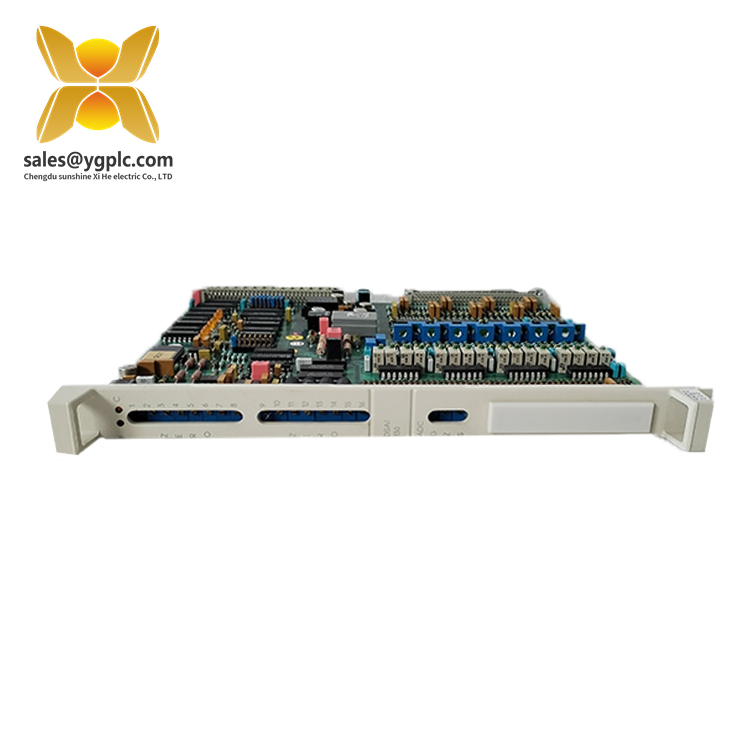
ABB Advant Master -S100 I_O System
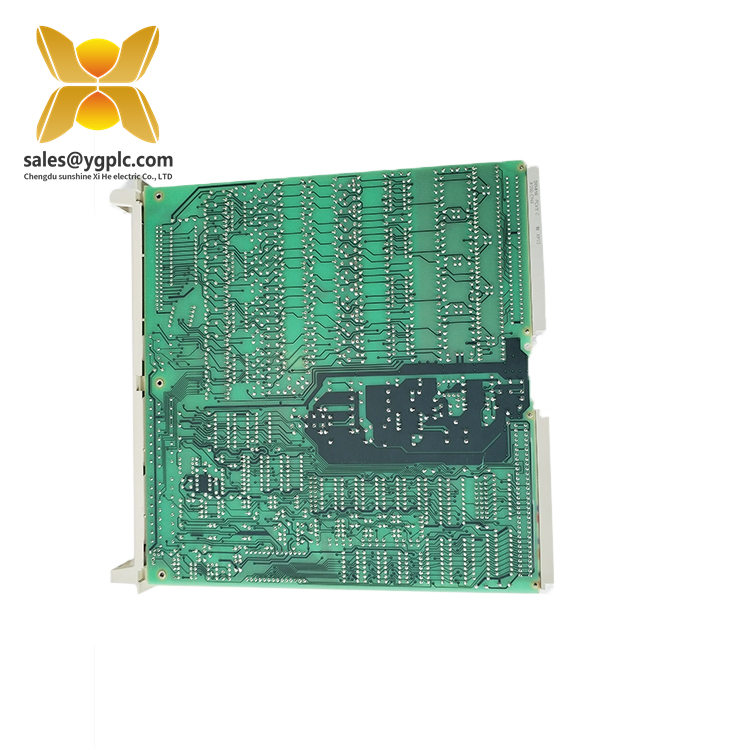
ABB Advant Master -S100 I_O System
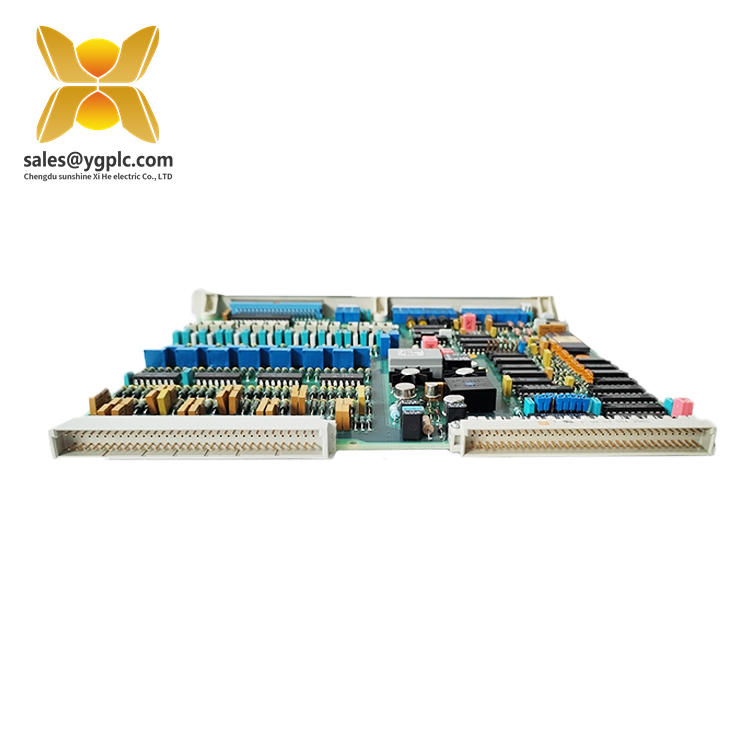
ABB Advant Master -S100 I_O System
ABB Advant® Master S100 I/O System
Main Features and Advantages
1. Flexible Installation and Cable Marshalling
The S100 I/O interface modules connect to field devices through screw terminals on connection units, which are normally installed inside the rear of the cabinet. This arrangement helps protect the central electronics from electrical noise and destructive voltage spikes while providing an organized and easily maintained process interface.
Prefabricated cables connect the I/O modules to the connection units. Available in different lengths, these cables allow flexible installation and cable termination within the controller cabinet, in adjacent cabinets, or in cabinets located farther away.
The connection units support both signal-oriented and device-oriented field wiring:
- Signal-oriented wiring: Field wires with similar electrical characteristics, such as 24 V DC input signals, are grouped and terminated together.
- Device-oriented wiring: Field wires connected to the same field devices are grouped and terminated together.
Combining these wiring approaches provides considerable flexibility during system installation and maintenance.
2. On-Board Processing Capabilities
S100 I/O modules feature on-board processing capabilities, allowing module-related signal and data processing to be performed locally rather than centrally by the host controller CPU.
Examples of on-board functions include event time tagging, signal filtering, and gain control. Distributing these functions across individual modules improves real-time performance and overall system reliability while helping maintain processing capacity as the system expands.
3. Comprehensive Self-Diagnostics
Comprehensive self-diagnostic functions continuously monitor the I/O modules and report errors through front-panel LEDs, alarm messages, and indications at process operator stations.
Malfunctioning inputs can be disabled and simulated through manual entry. Failing outputs can be deactivated or automatically driven to a predetermined safe state.
All I/O modules can be replaced while the system remains in service. Selected modules also support transparent dual-redundant configurations to enhance system availability.
4. High Electromagnetic Disturbance Immunity
S100 I/O modules are designed to provide high immunity to electromagnetic disturbances. According to the product documentation, the modules comply with the requirements of EU Directives 2014/30/EU and 2014/35/EU.
These features make the S100 I/O system suitable for connecting industrial control systems to field devices in demanding process automation environments.
Installation Examples
Figure 1. Example of an S100 I/O installation
RE500 cabinets equipped with an S100 I/O subrack, connection units, and a power supply for sensors.
Figure 2. Example of an S100 I/O cabinet installation
An RE500 cabinet showing process cables at the bottom of the cabinet and field wiring terminated on the connection units.abb.com/controlsystems